Go to the “Blogs” tab (number 1 in the image), then click on “Create a blog” (number 2 in the image)

A popup will be displayed on which you must add the name of your blog, the blog domain you want to assign to this blog, add its URL path, and choose a template from the available ones by clicking on “Select template”, then click on the “Create” button to create a new blog. (number 3 in the image)

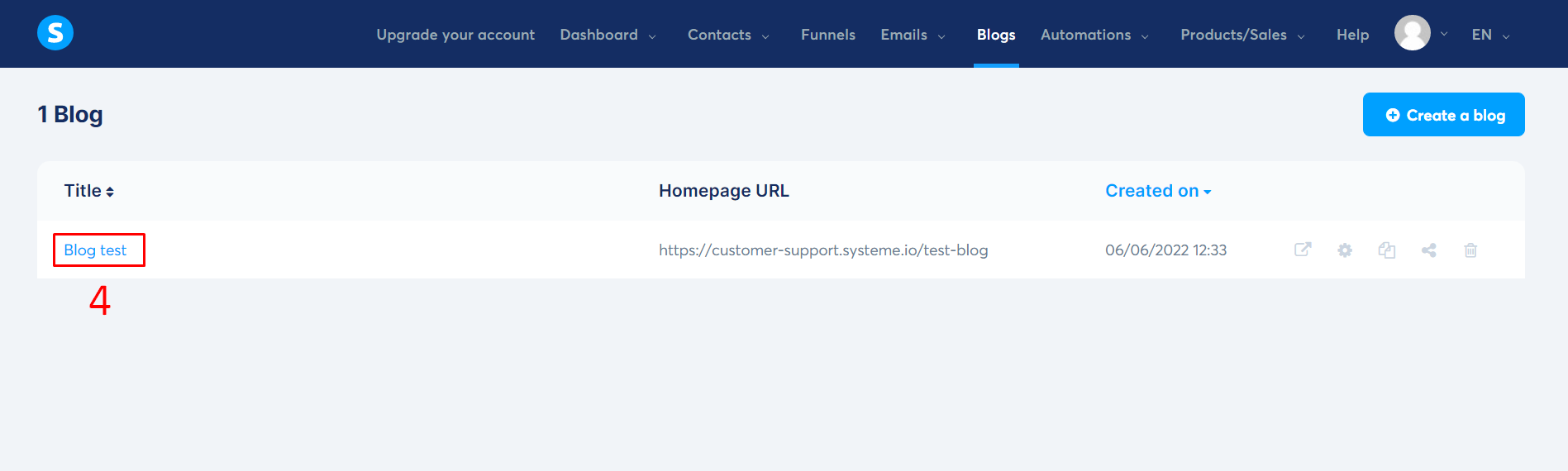
The blog will be created, you will be able to modify your blog by clicking on the title (number 4 in the image)
You will have an overview of the different sections you can customize and create on your blog:
- Change the blog layout by clicking on the “Blog layout” button (number 5 in the image)
- If you want to have an overview of the blog, just click on “View blog” (number 6 in the image)

- If you want to change the blog settings such as “Name”, “Domain”, “URL Path” and “Language”, you just have to click on “Blog settings” (number 7 in the image)

- You will also see a sub-menu on the blog to navigate between “posts, pages and categories” where you will find pages created by default according to the selected template
- You can create, modify or delete posts, pages and categories by clicking on “+ Create” on each tab, by clicking on “Edit” or by clicking on the “trash can” as described in the gif below.


 software reviews